Portable Monitor Buying Guide
Best Portable Monitors: Choose the Right Second Screen for Work, Travel, and Gaming
A portable monitor can make a laptop feel like a real workstation, give gamers a travel-friendly display, and help students, freelancers, and remote workers get more done without carrying a full desktop monitor.
This guide compares portable monitors by actual use case: best overall balance, value gaming, budget work, trusted-brand travel use, premium display quality, serious gaming, and touchscreen flexibility.
Affiliate disclosure: My Best Decisions may earn a commission when you click product links and make a qualifying purchase. This does not change your price. Product pages link to Amazon as external affiliate products. You can also read how we choose products.
Quick Picks: Best Portable Monitors by Use Case
Start here if you already know what kind of portable monitor you need. Each pick links to a dedicated product page where you can review details and continue to Amazon if it fits your needs.
BEST OVERALL BALANCE
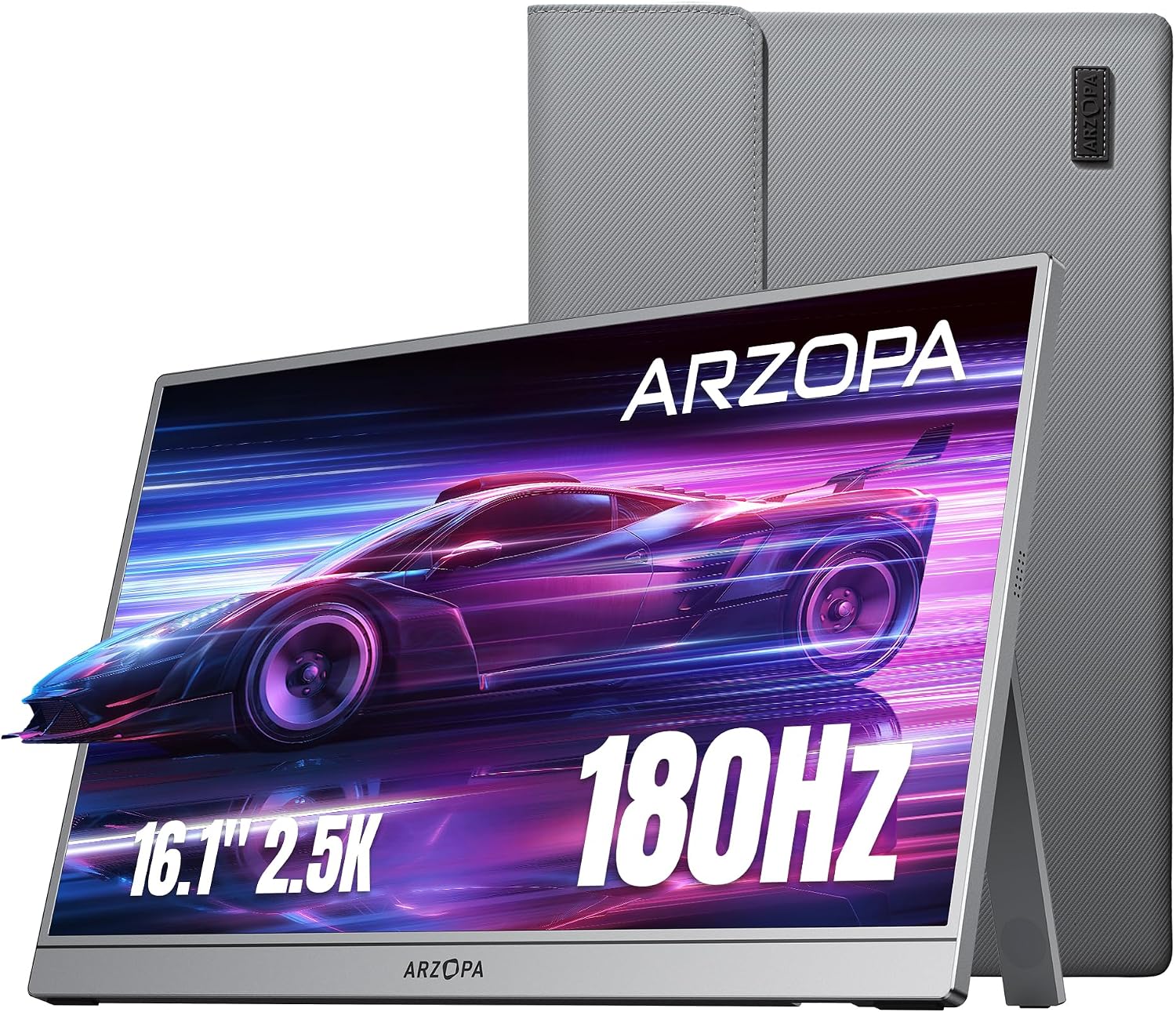
ARZOPA Z3FC 16.1-inch 2.5K 180Hz
Best starting point if you want a sharper-than-1080p display with a high refresh rate in one portable screen.
- Good work/gaming balance
- 2.5K resolution angle
- High-refresh portable display
BEST VALUE GAMING
ARZOPA Z1FC 16.1-inch 144Hz
A practical high-refresh option for buyers who want smoother gaming without jumping straight to premium pricing.
- 144Hz gaming angle
- Good value lane
- Useful for casual gaming
BEST BUDGET STARTER
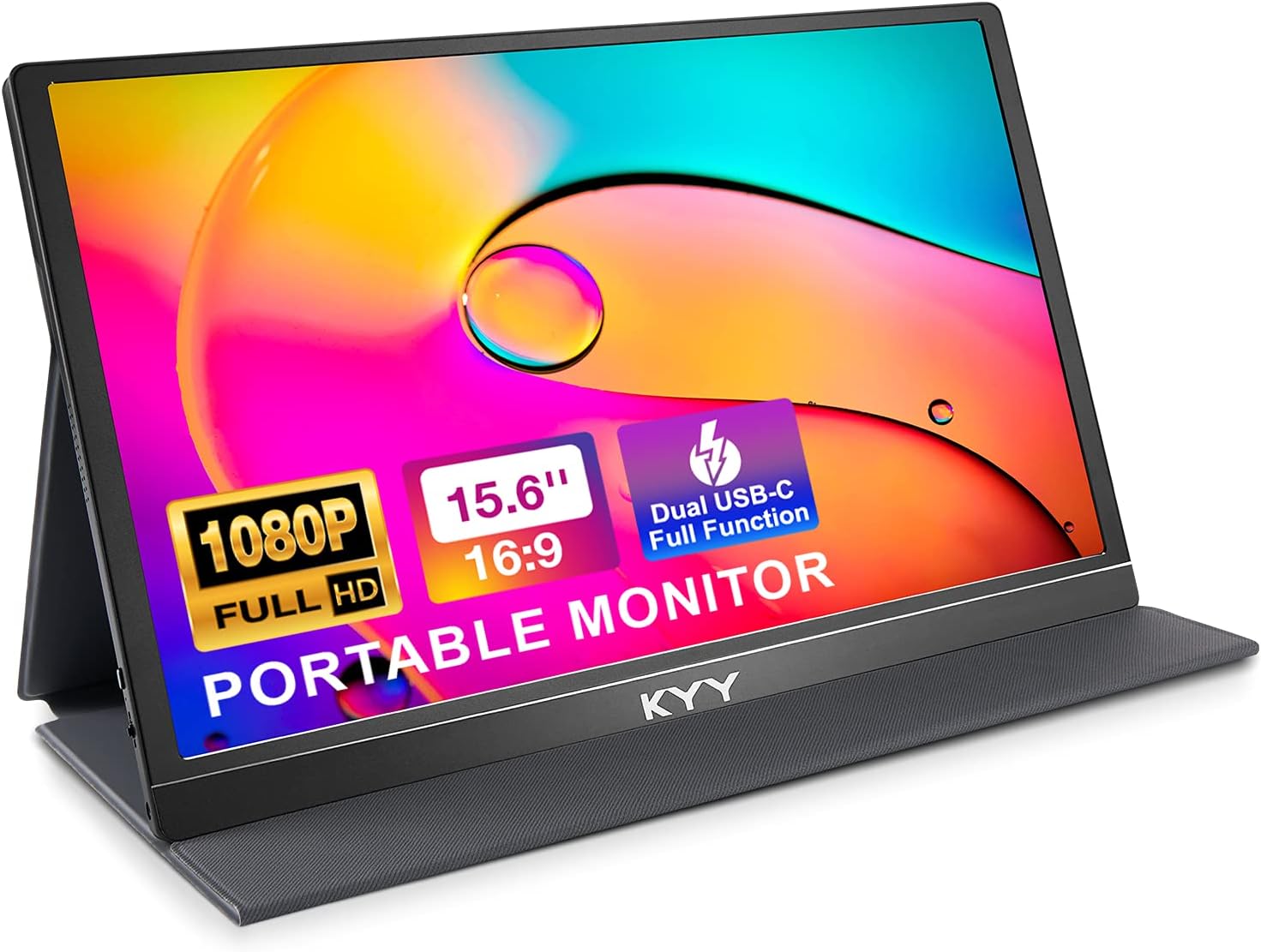
KYY K3-1 15.6-inch 1080p
A simple second-screen option for laptop users who mainly need more room for work, study, browsing, and documents.
- Simple 1080p display
- Good for basic work
- Budget-friendly category
BEST KNOWN-BRAND TRAVEL PICK
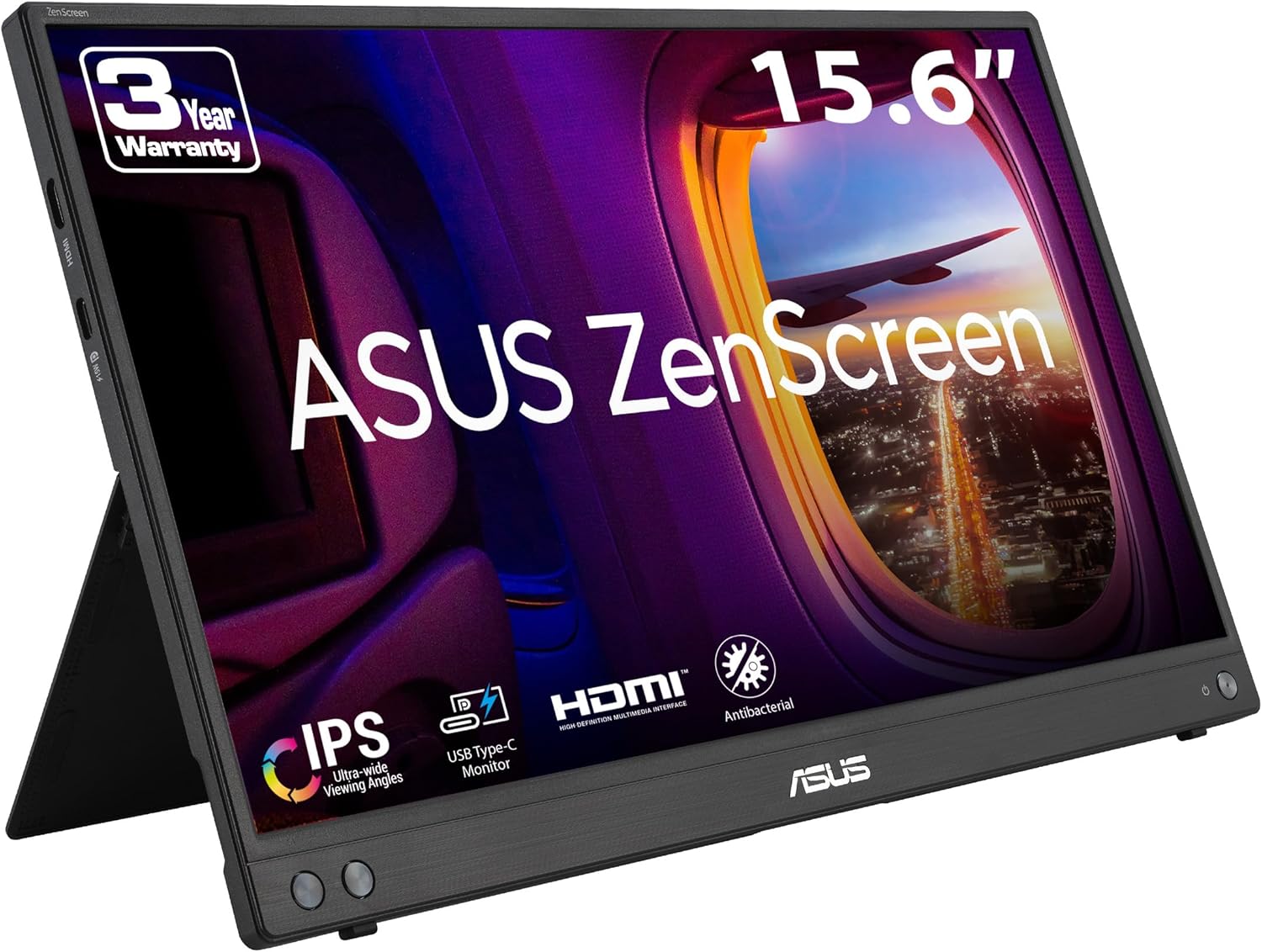
ASUS ZenScreen MB16AHV
A safer comparison point for buyers who prefer a known monitor brand for office, travel, and laptop productivity use.
- Known ASUS line
- Work/travel friendly
- Practical 15.6-inch size
BEST PREMIUM SCREEN
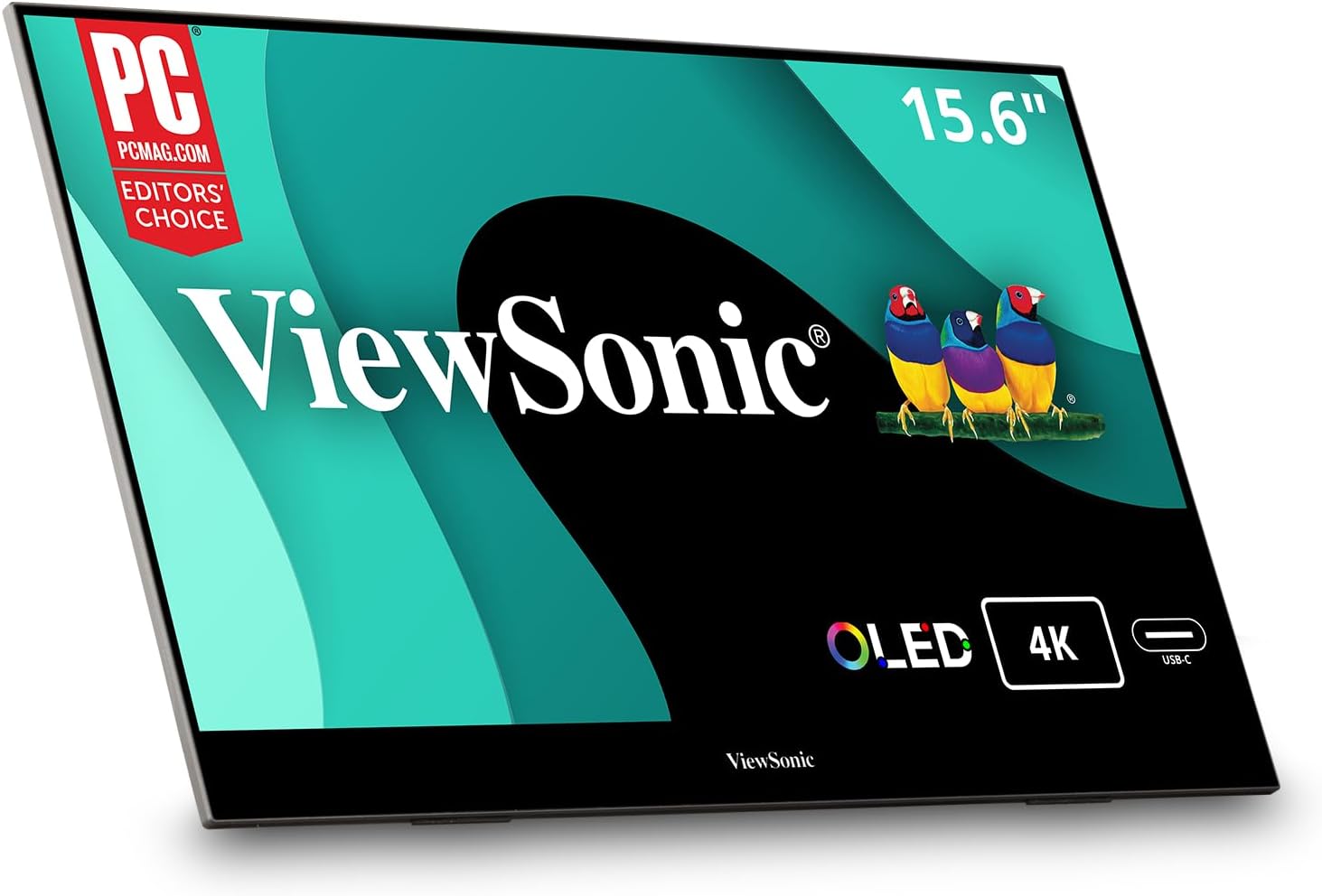
ViewSonic VX1655-4K-OLED
A premium option to compare if sharper visuals, richer contrast, and better image quality matter more than low price.
- Premium display lane
- 4K/OLED positioning
- Best for visual quality
BEST SERIOUS GAMING OPTION
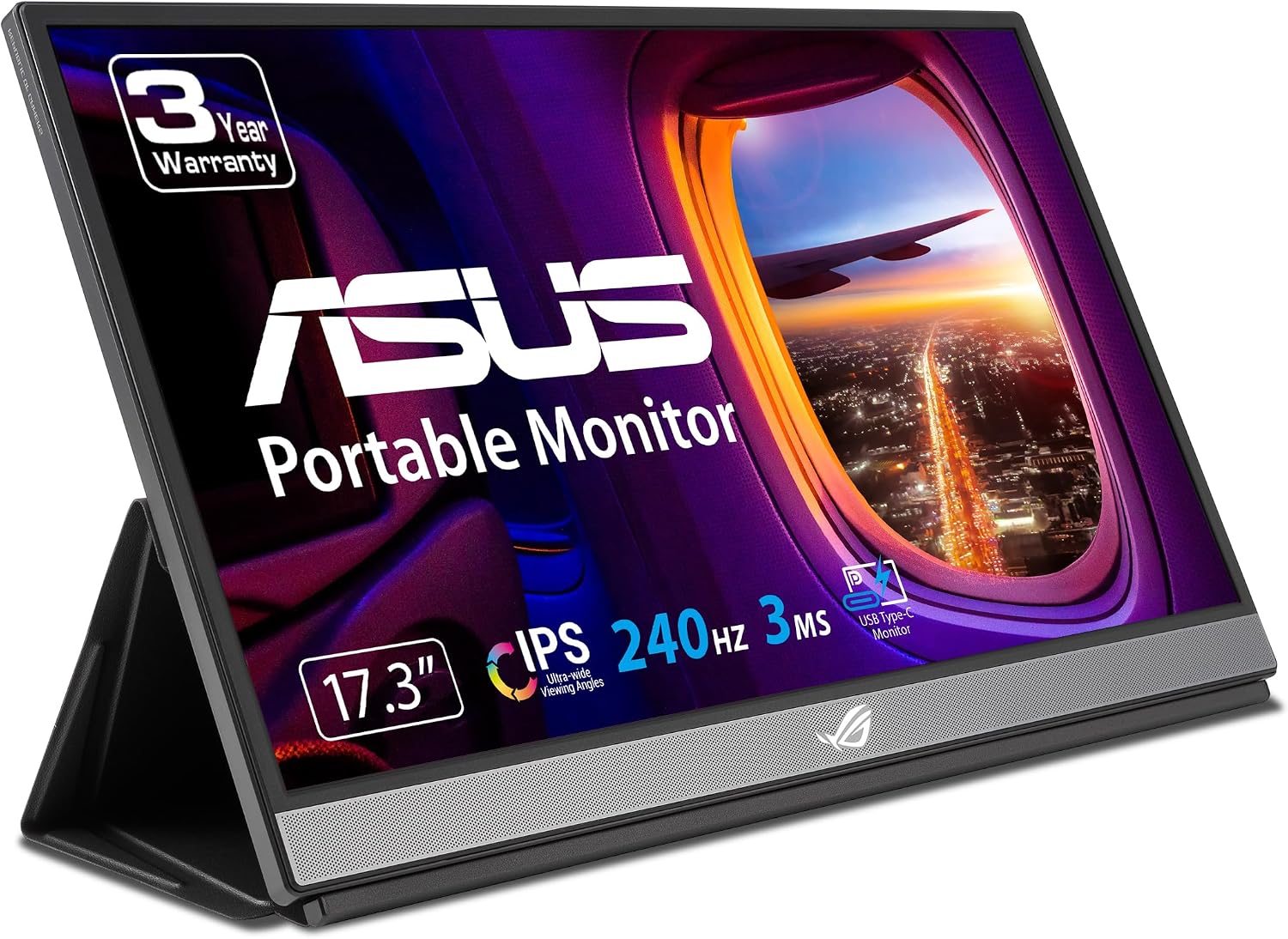
ASUS ROG Strix XG17AHPE 240Hz
A gaming-first portable monitor for buyers who care about larger screen size and very smooth motion.
- 240Hz gaming focus
- 17.3-inch size
- ROG gaming category
BEST TOUCHSCREEN OPTION
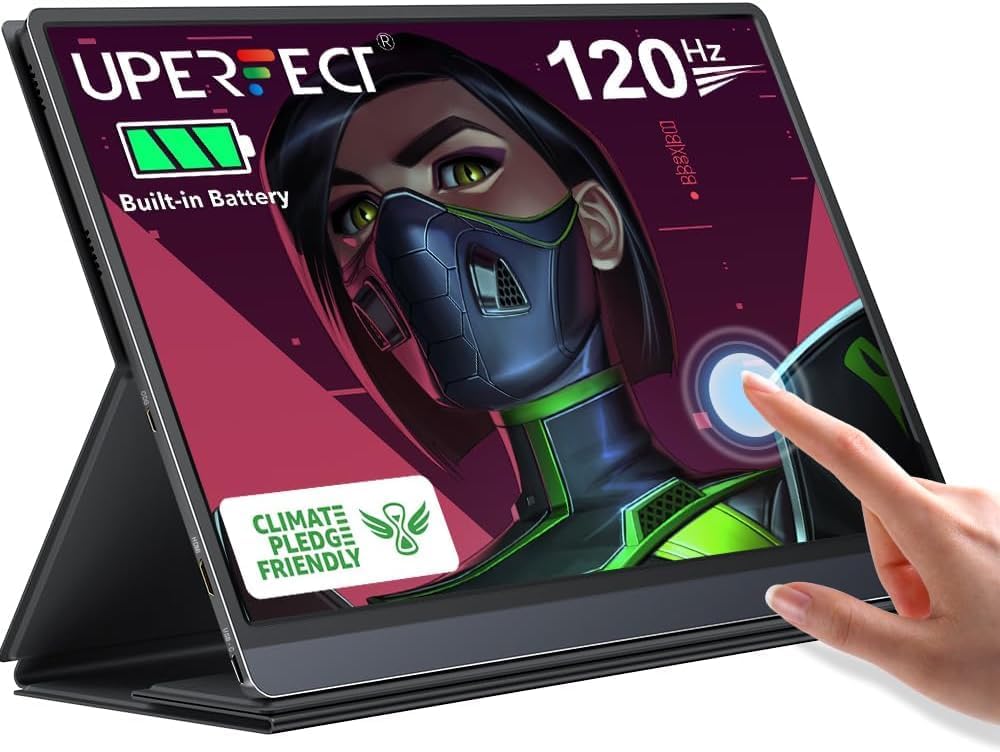
UPERFECT 120Hz Battery Touchscreen
A more specialized option for people who want touch input, battery-supported use, and a more flexible portable workflow.
- Touchscreen angle
- Battery-supported use
- Good for flexible setups
Portable Monitor Comparison Table
| Model | Best For | Main Reason to Compare | Product |
|---|---|---|---|
| ARZOPA Z3FC | Overall balance | 2.5K resolution with a high-refresh positioning. | View product |
| ARZOPA Z1FC | Value gaming | 144Hz portable gaming without going to premium 240Hz pricing. | View product |
| KYY K3-1 | Budget work use | Simple 1080p second-screen option for laptop users. | View product |
| ASUS ZenScreen MB16AHV | Travel and work | Known-brand option for everyday portable productivity. | View product |
| ViewSonic VX1655-4K-OLED | Premium image quality | Premium display lane for buyers who care about sharpness and contrast. | View product |
| ASUS ROG Strix XG17AHPE | Serious gaming | 240Hz portable gaming display with a larger 17.3-inch size. | View product |
| UPERFECT Touchscreen | Touch and flexible use | Touchscreen and battery-supported portable workflow. | View product |
How to Choose the Right Portable Monitor
A portable monitor should not be chosen only by screen size or price. The right choice depends on what you will connect it to and what you expect it to do every day.
For work and study
Focus on readability, simple setup, stand quality, and USB-C compatibility. A 1080p portable monitor can be enough for writing, research, spreadsheets, dashboards, email, and video calls.
For travel
Look for a practical size, reasonable weight, a protective cover, and simple cable requirements. A screen that looks good on paper can still be annoying if the stand is weak or the cable setup is messy.
For gaming
Refresh rate matters more. A 144Hz, 180Hz, or 240Hz portable monitor can feel smoother than a basic 60Hz display, but only if your gaming device can output enough frames to benefit from it.
For premium image quality
Consider 2.5K, 4K, OLED, brightness, and color quality. These features are more useful for creative work, premium entertainment, and buyers who simply want a better-looking screen.
For touchscreen use
Only pay extra for touch if your workflow supports it. Touch can help with presentations, interactive work, and certain Windows setups, but it is not necessary for a normal second-screen laptop setup.
For device compatibility
Check your laptop, console, tablet, phone, or handheld device before buying. Not every USB-C port supports video output, and some setups may need HDMI plus separate power.
Portable Monitor Buying Checklist
- Main purpose: work, study, travel, gaming, premium viewing, or touchscreen use?
- Screen size: 15.6-inch and 16.1-inch are easier to carry; 17.3-inch gives more room.
- Resolution: 1080p is fine for many users; 2.5K or 4K is sharper.
- Refresh rate: 60Hz is fine for office work; 144Hz+ is better for gaming.
- USB-C video: make sure your device supports video output over USB-C.
- HDMI: useful for consoles, older laptops, and more flexible setups.
- Stand/cover: a weak stand can ruin an otherwise good portable monitor.
- Power: some setups need separate power even when video uses HDMI or USB-C.
Common Portable Monitor Mistakes to Avoid
Compatibility mistakes
- Assuming every USB-C port supports display output.
- Forgetting HDMI may still require a separate power cable.
- Buying a touchscreen monitor without checking device support.
- Expecting phones, tablets, consoles, and laptops to behave the same way.
Buying mistakes
- Paying for 240Hz when the screen is only for office work.
- Choosing the cheapest model without checking stand quality.
- Ignoring brightness if you work near windows or travel often.
- Buying 4K when your budget and workflow would be better served by a simpler screen.
FAQ: Portable Monitors
Are portable monitors worth it?
Yes, if one laptop screen feels limiting. A portable monitor is especially useful for remote work, research, writing, spreadsheets, video calls, coding, creative workflows, and travel setups.
Is 1080p enough for a portable monitor?
For everyday work, yes. A 1080p portable monitor is usually enough for documents, browsing, email, dashboards, and study use. Higher resolutions are better when you care about sharper text or premium visuals.
Do I need 144Hz or 240Hz?
Only if gaming or smooth motion matters. Office users usually do not need very high refresh rates. Gamers should consider 144Hz or higher if their device can output enough frames.
Will a portable monitor work with my laptop?
Many will, but you must check your laptop ports. For one-cable USB-C use, your laptop needs USB-C video output. Otherwise, you may need HDMI and separate power.
Should I buy a touchscreen portable monitor?
Only if your workflow benefits from touch. Touchscreen portable monitors can be useful for interactive setups, presentations, and some Windows workflows, but they are not necessary for simple second-screen work.
Final Verdict
The best portable monitor depends on what you actually need. Do not buy a high-refresh gaming monitor for basic office work, and do not buy the cheapest screen if you care about stand quality, brightness, or long-term comfort.
For most buyers, the best first comparison is the ARZOPA Z3FC because it gives a strong mix of resolution and refresh rate. For budget work, compare the KYY K3-1. For a known-brand travel screen, compare the ASUS ZenScreen MB16AHV. For serious portable gaming, compare the ASUS ROG Strix XG17AHPE. For premium image quality, compare the ViewSonic OLED model.