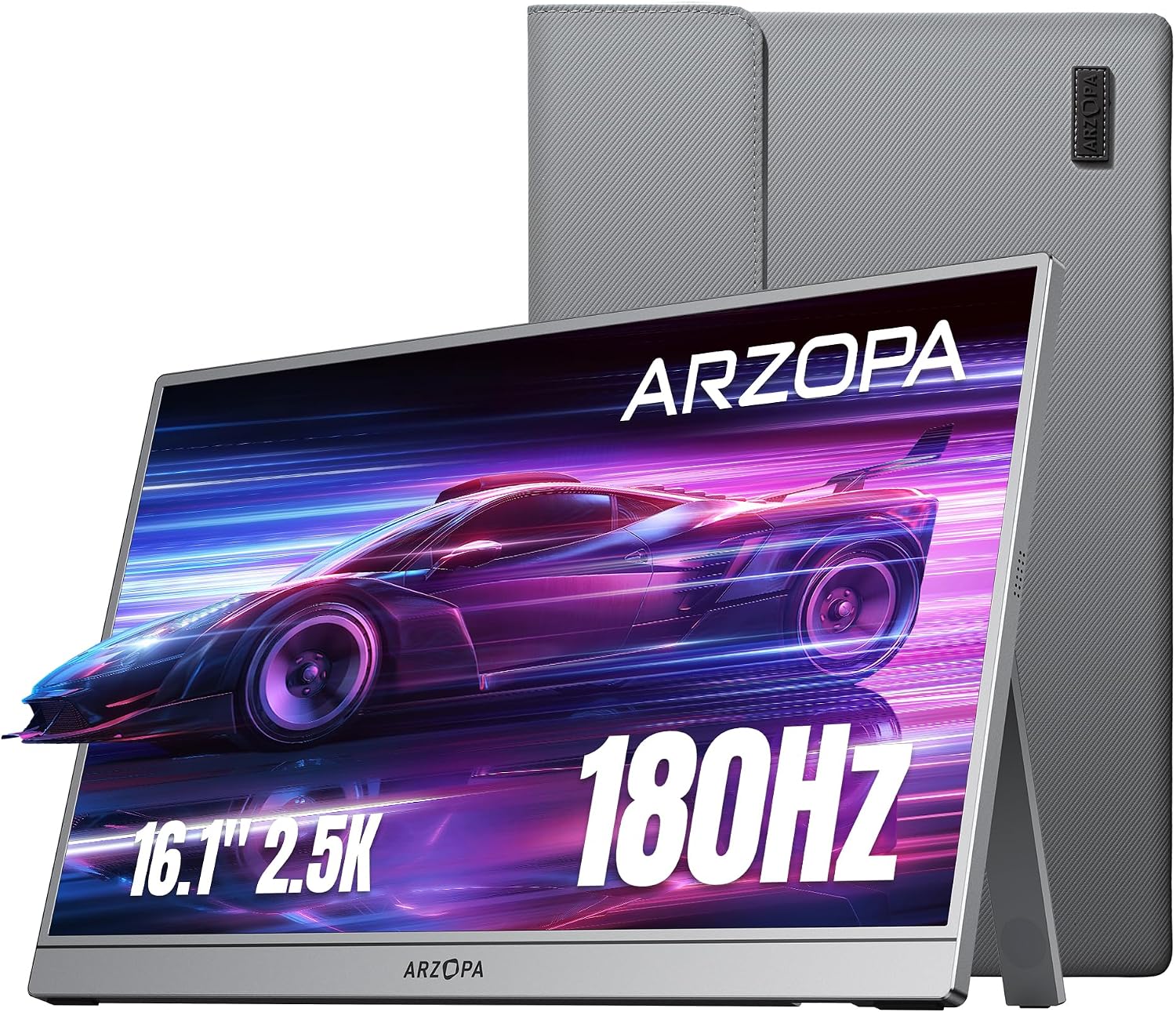
Best overall balance
ARZOPA Z3FC 2.5K 180Hz
A strong first pick when you want a portable monitor that feels noticeably sharper than basic 1080p while still offering high refresh-rate smoothness.
View product →
Portable monitor buying guide
A portable monitor can make a laptop feel like a real workstation, give gamers a travel-friendly display, and help students, freelancers, and remote workers get more done without carrying a full desktop monitor.
Top picks by use case
The best portable monitor is not the same for everyone. A work traveler, a gamer, and a buyer who wants OLED image quality should not all start from the same product.
Best overall balance
A strong first pick when you want a portable monitor that feels noticeably sharper than basic 1080p while still offering high refresh-rate smoothness.
View product →
Value gaming pick
A practical gaming-focused option for buyers who care more about smooth motion than premium resolution or OLED image quality.
View product →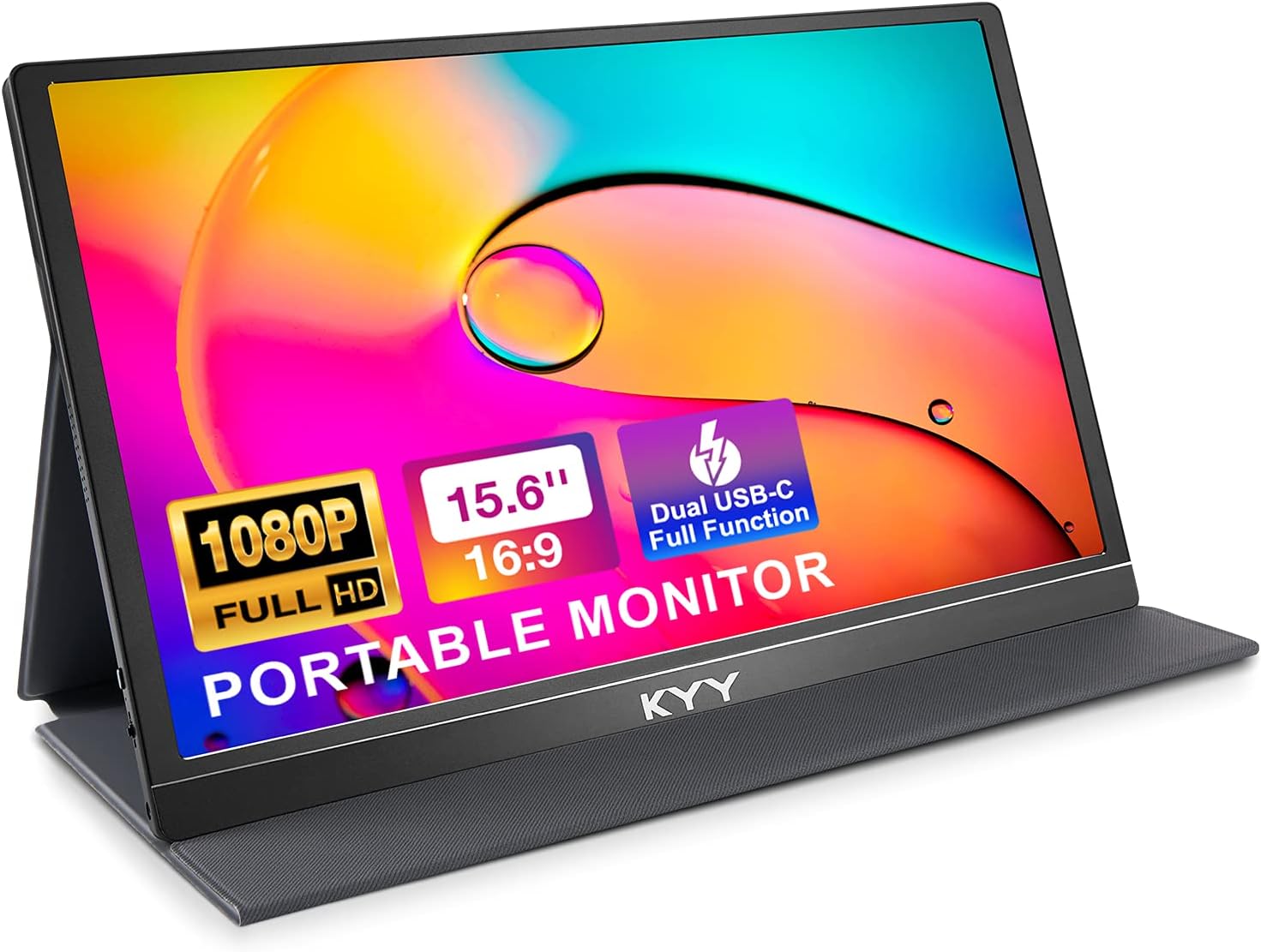
Budget work option
A straightforward 1080p portable monitor for buyers who mainly want more workspace for documents, browser tabs, admin work, or travel productivity.
View product →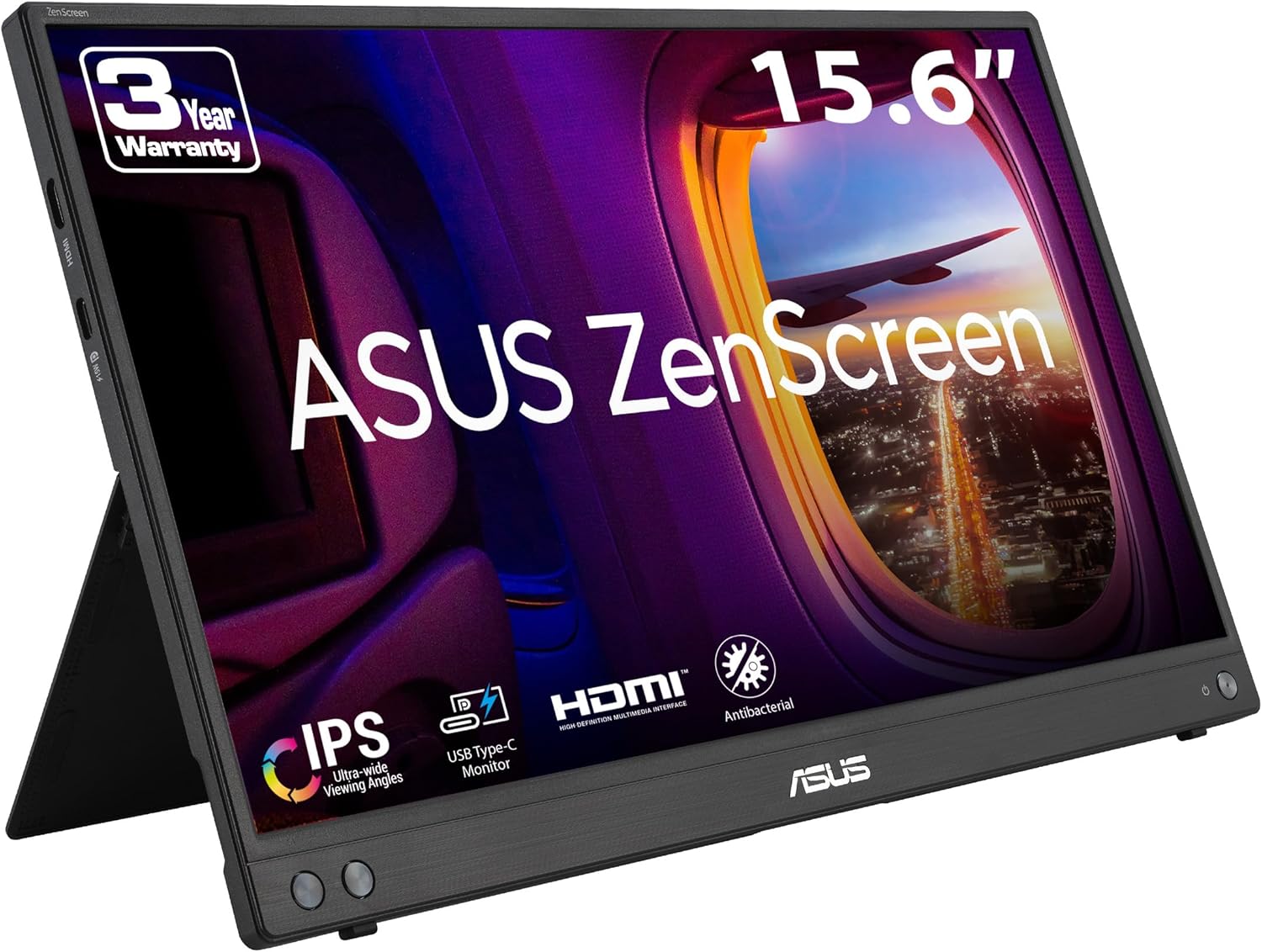
Known-brand travel pick
A safer-feeling pick for buyers who prefer an established monitor brand and a practical travel display over chasing the highest spec sheet.
View product →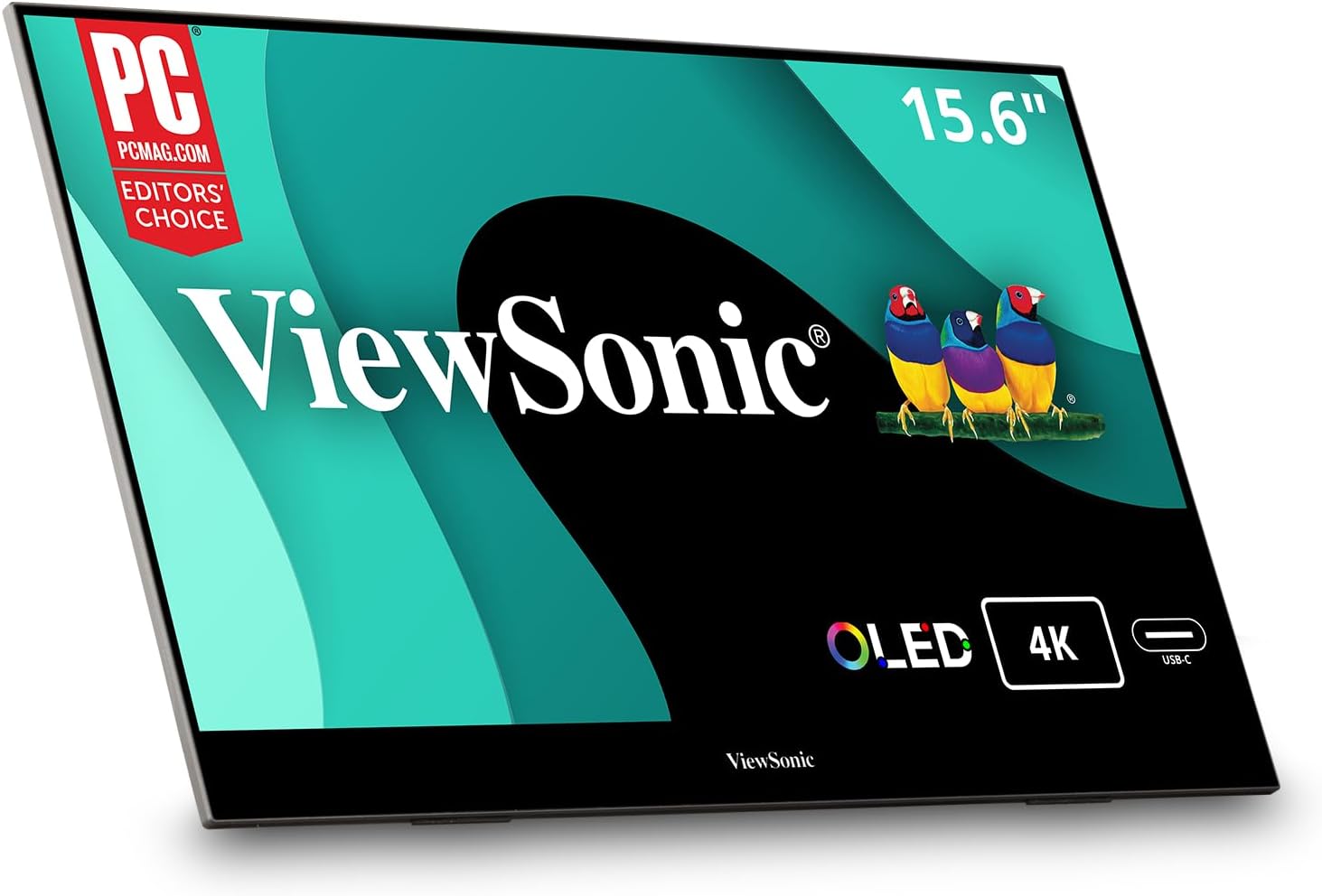
Premium display quality
The premium lane for buyers who care more about image quality and contrast than simply adding the cheapest possible second screen.
View product →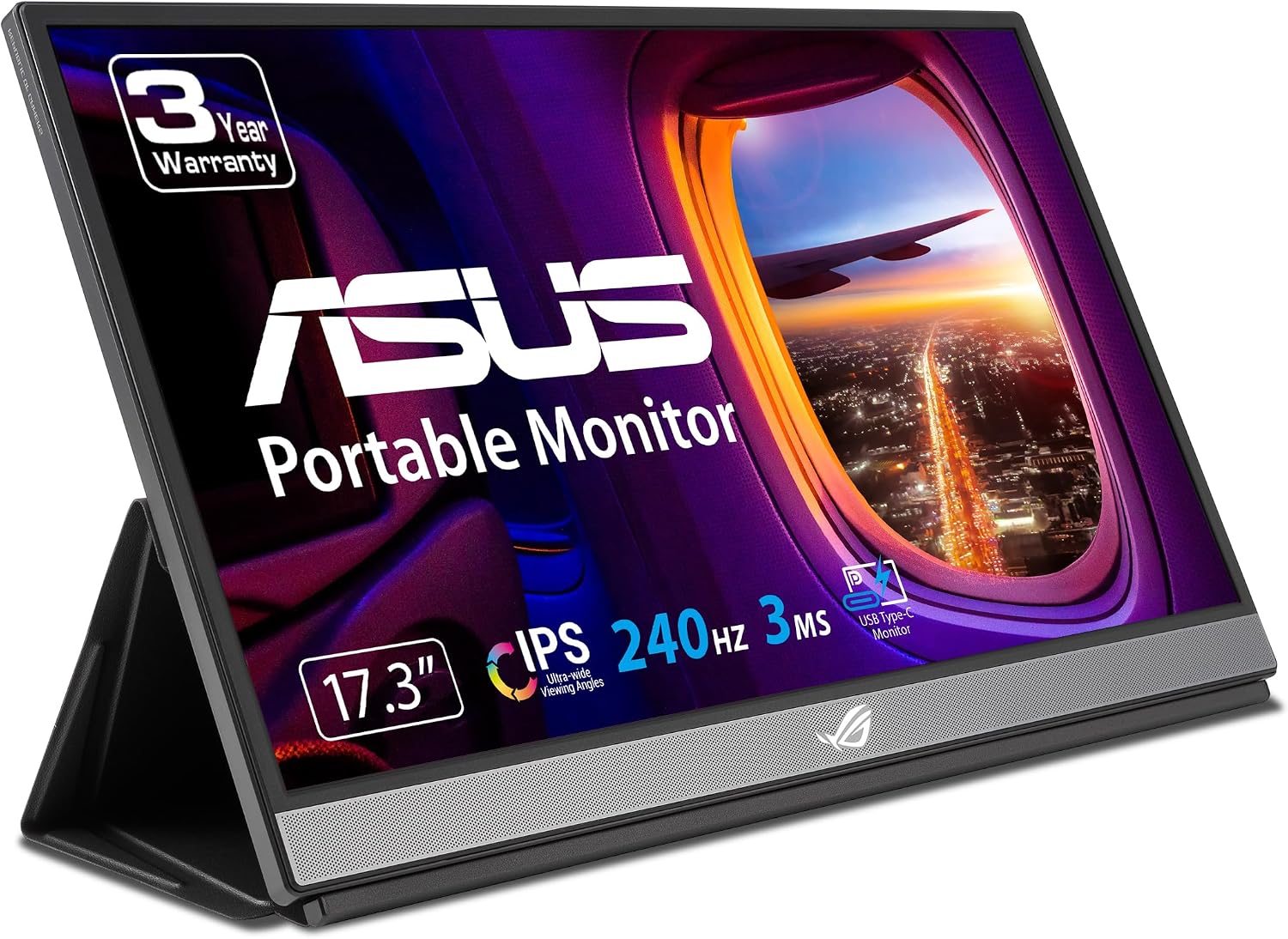
Serious gaming option
A gaming-first portable monitor for buyers who want a larger portable screen and very smooth motion for serious travel or desk gaming.
View product →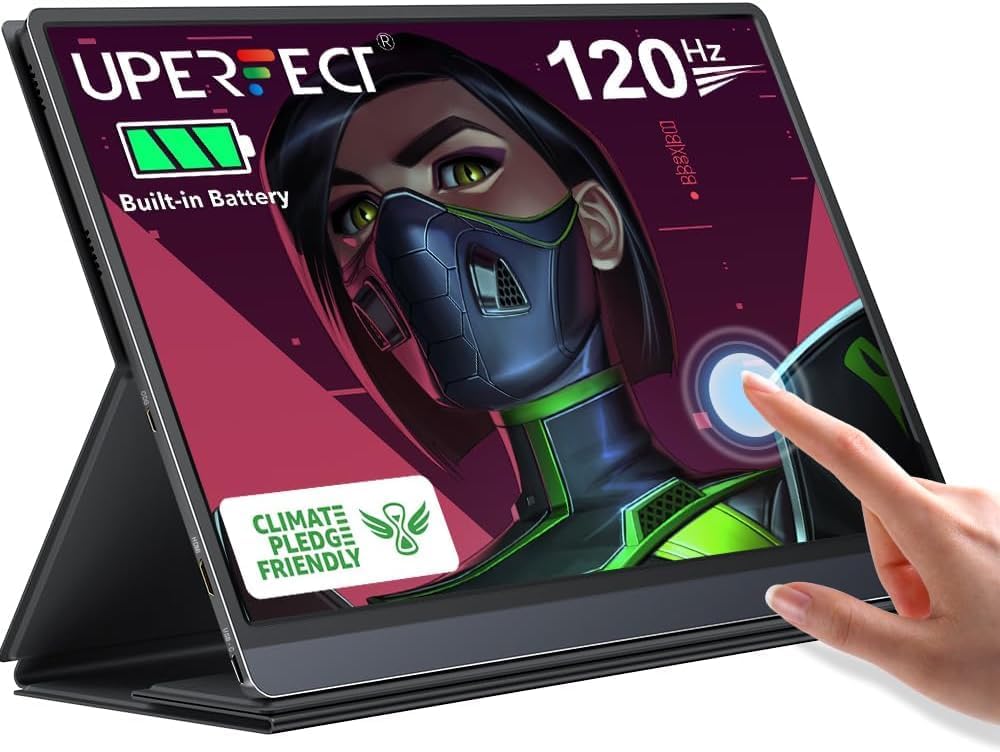
Touchscreen flexibility
A flexible option for buyers who want more than a plain second display, especially when touch support or built-in battery use matters.
View product →Quick comparison
Use this table to narrow the choice before opening individual product pages.
| Product | Best for | Why it fits | Open |
|---|---|---|---|
| ARZOPA Z3FC 2.5K 180Hz | Best overall balance | Sharper work, smooth motion, strong all-round value | View → |
| ARZOPA Z1FC 144Hz | Value gaming pick | Budget-friendly high refresh portable gaming | View → |
| KYY K3-1 15.6-inch 1080p | Budget work option | Simple second screen for laptop work | View → |
| ASUS ZenScreen MB16AHV | Known-brand travel pick | Work travel, presentations, brand familiarity | View → |
| ViewSonic VX1655-4K-OLED | Premium display quality | OLED contrast, sharper visuals, premium image quality | View → |
| ASUS ROG Strix XG17AHPE | Serious gaming option | Large screen, high refresh, gaming-first setup | View → |
| UPERFECT 120Hz Battery Touchscreen | Touchscreen flexibility | Touch input, battery use, flexible setups | View → |
Recommendation model
This guide is designed to help buyers compare use cases and narrow choices. Product pages can then provide a more specific summary of who each monitor is best for, what trade-offs to consider, and where to buy.
FAQ
Yes, when you regularly work with multiple windows, dashboards, documents, browser tabs, or client work. The main value is not just screen size; it is reducing constant window switching.
For basic work, 1080p can be enough. For sharper text and a more premium feel, 2.5K or 4K makes sense. OLED is mainly for buyers who care about contrast and image quality more than price.
High refresh rate makes motion feel smoother and can be pleasant for general use, but it matters most for gaming and fast motion. For document work, screen clarity and ergonomics may matter more.
Only choose touchscreen if your device and workflow support it. For many laptop users, touch is optional. For presentations, drawing, flexible setups, or specific productivity workflows, it can be useful.